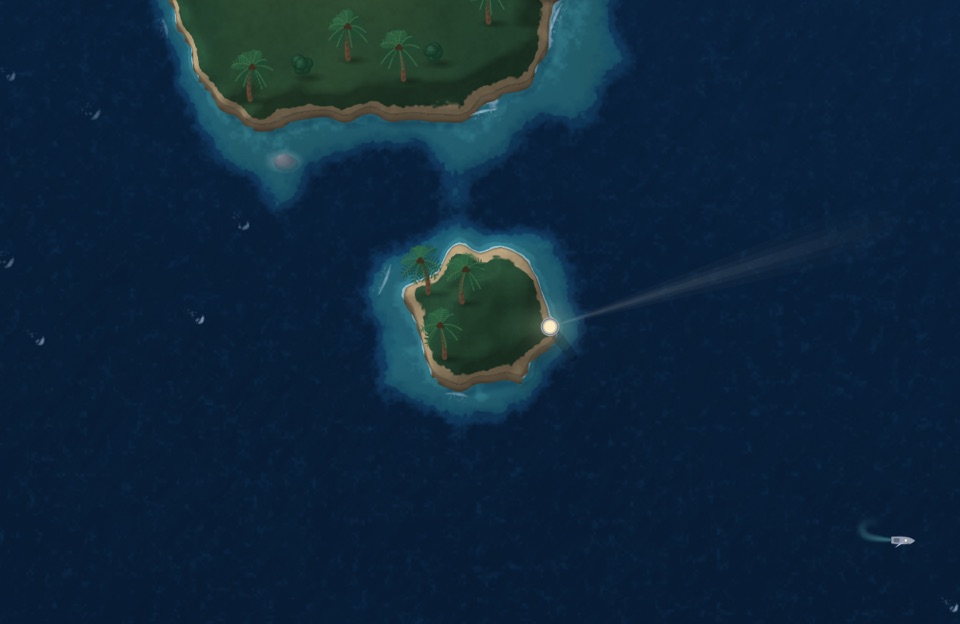
Archipelago
Palm islands in a clear sea. A lighthouse sweeps the dark, boats leave wakes, and a giant ape roars when you click him.
DeskScape paints a scene around the files on your Mac's Desktop. Islands rise under your folders, koi swim between them, and after dark a diver's torch picks out the coral. Ten scenes, by day and by night.
Download for MacNew in 1.0.6 · An airliner crosses City 2 now and then, and its windows light up and go dark through the night. DeskScape also uses about a fifth less memory.
63 seconds, 21 moments, straight from the app's own animation engine. No sound.
Each one is laid out fresh around your icons and changes with the light. These are all at night, the way someone in Dark mode sees them.
Palm islands in a clear sea. A lighthouse sweeps the dark, boats leave wakes, and a giant ape roars when you click him.
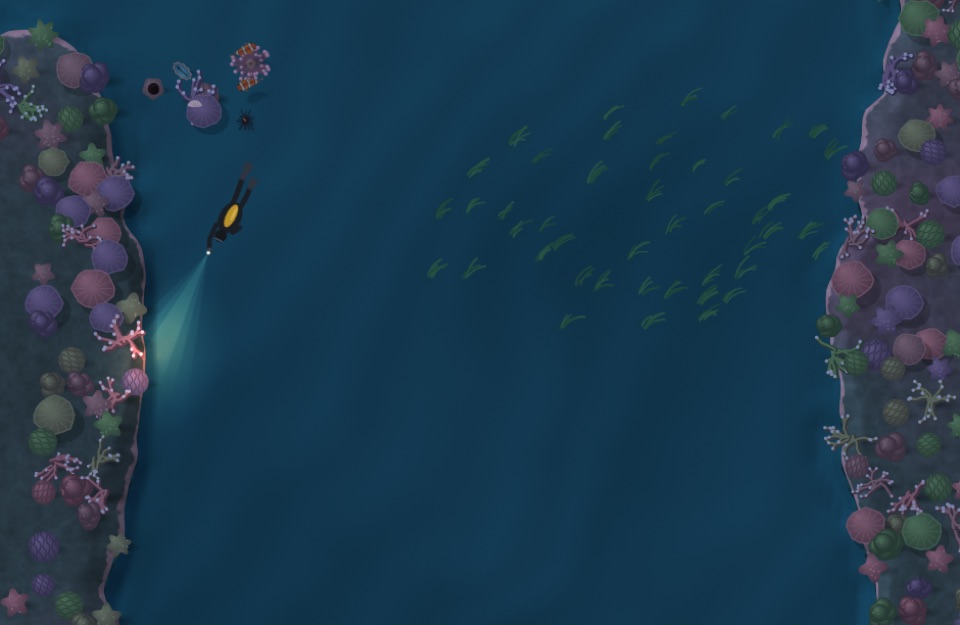
Coral heads, clownfish in their anemones, a grazing turtle. After dark a diver's torch brings the colour back to whatever it passes.
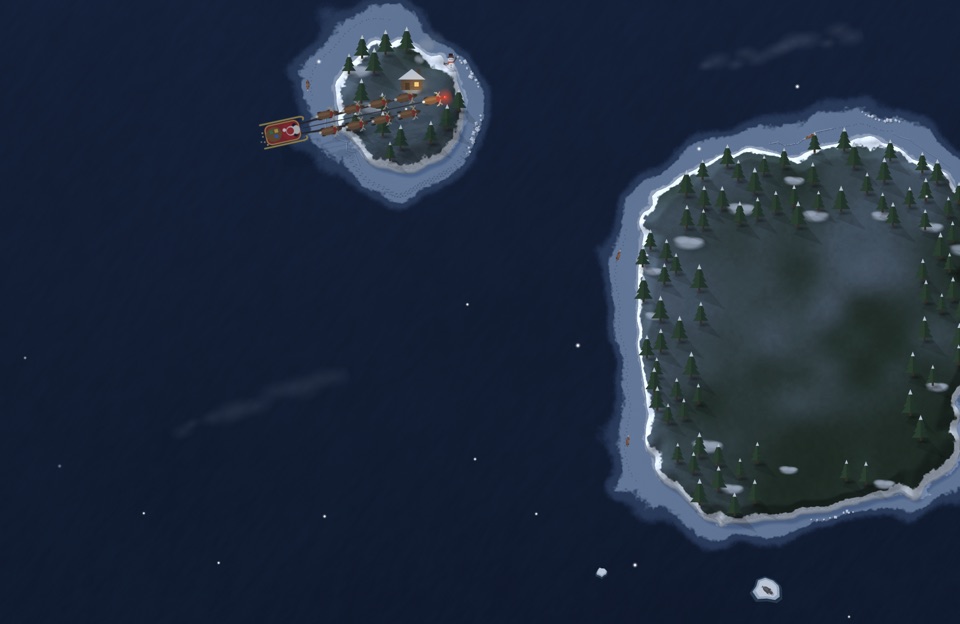
Snowy islands, ice floes, sea smoke and the northern lights, with cabins lit inside and Santa's sleigh overhead.
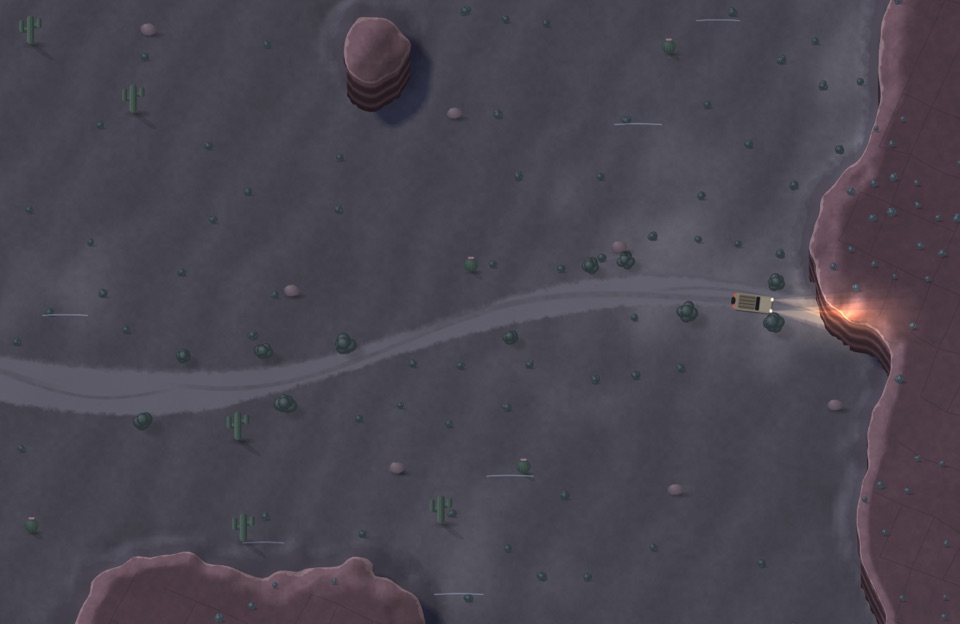
Mesas over a dry wash. At night a 4x4 crawls up the wash with its headlights on, and a storm flickers somewhere off the edge.
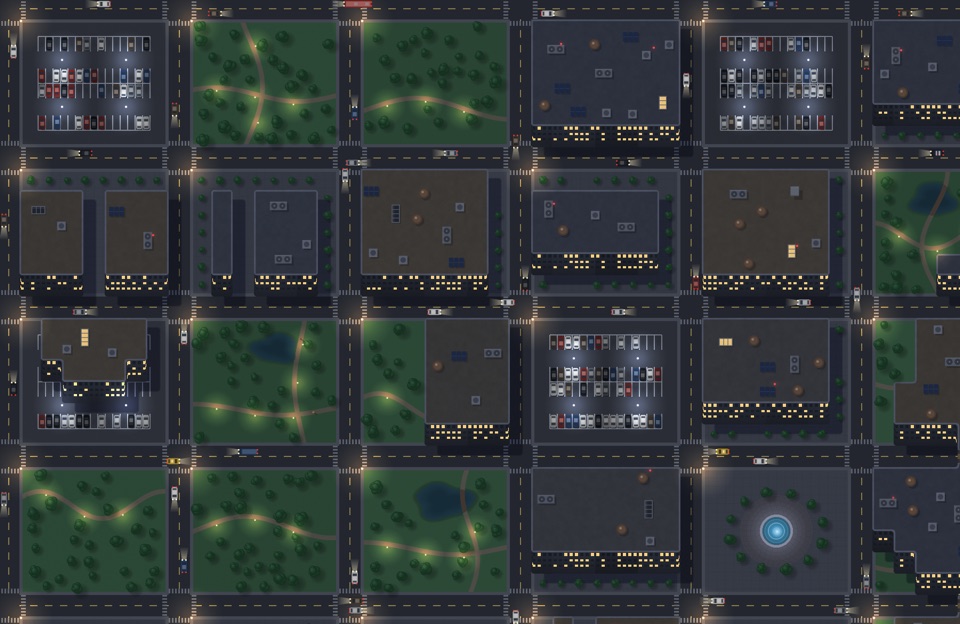
Blocks and parks from above. Windows light up after dark, fountains play in the squares, and an airliner blinks overhead.
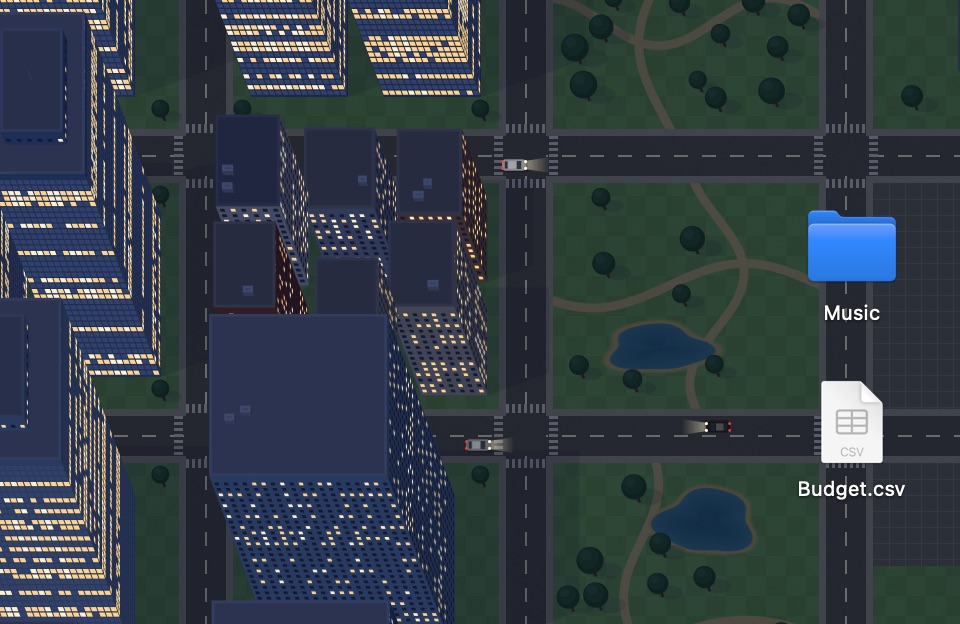
The town at a slant, so it rises: houses with tiled gables, brick flats, glass towers downtown. Offices light up a floor at a time after dark, a window goes on or off now and then, and your icons get a square of their own.
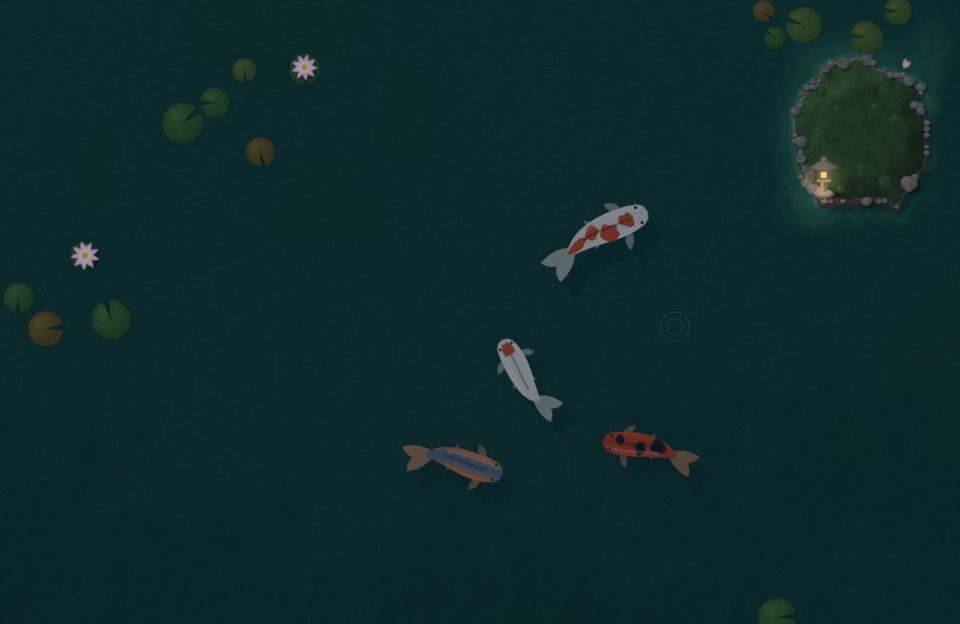
Koi circle between lily pads and water lilies, past a small islet with a stone lantern lit for the night.
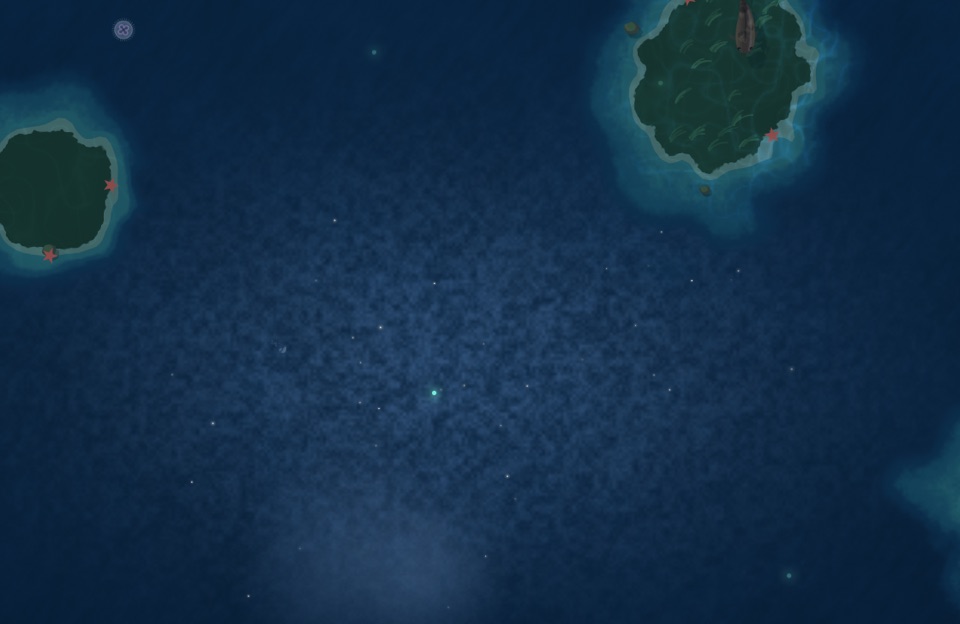
Seagrass meadows, a dolphin pod and a reef shark. Plankton glows where they swim and the moon glitters on the swell.
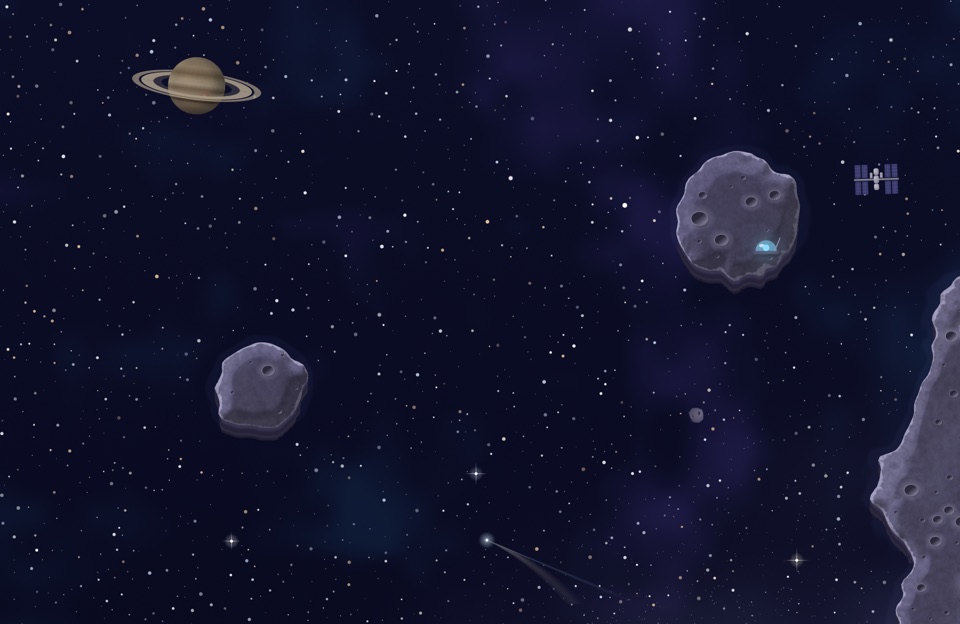
Cratered asteroids with rovers on patrol, a ringed planet, a comet, a passing space station and the odd meteor.
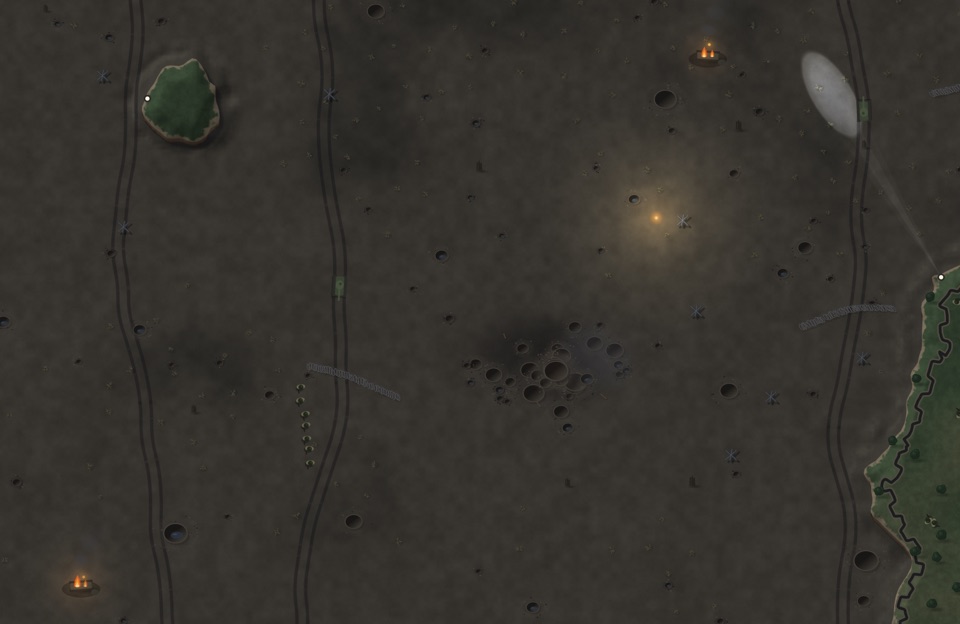
Trenches and shell craters under sweeping searchlights, with flares drifting down and campfires along the lines.
Land forms under each icon and its name, and nothing is drawn within 6 pt of them, so labels stay readable. Move a file and the shore follows it.
Follows Light and Dark mode, or stays in Day or Night if you prefer. Every scene has its own night life, not just a darker palette.
Can paint your Desktop folders to suit the scene. Folders with your own icon, colour or emoji are left alone.
Click open water for a ripple. Click a creature to set it off.
Turn on Change Scene Daily and wake up somewhere else each morning.
Finder tells DeskScape where your icons sit and how big they are, never their names or contents. Nothing about you leaves your Mac; once a day it checks deskscape.dev for a new version.
Quit from the menu and the scene fades back to your wallpaper. Set Folder Icons back to Original and your folders are as they were.
Animates at 30 frames a second, 15 in Low Power Mode, and stops while your windows cover the Desktop. With Reduce Motion on, the scene holds still.